
File Overview
This file stores all of the functions that MiniBot needs to successfully function. The only non default libraries called are the Discord.py library, and sqlite3 which is used for connecting and maintaining MiniBot's database. There are also two Discord Views in this file, which are the classes used by MiniBot to create the menus used to modify it's database through UI instead of code.
class Timer
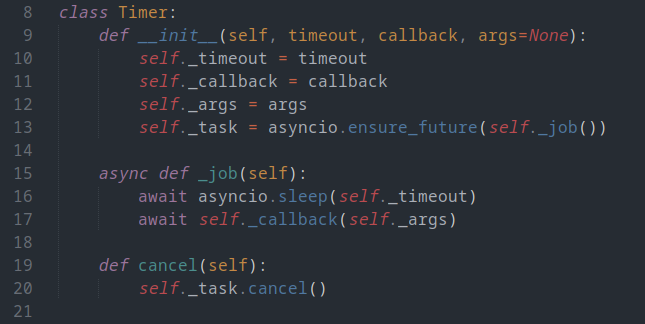
This class is super necessary to run, and simple to explain, as the Timer class is the class that instantiates all of the timers MiniBot requires to send its reminders and updates. As inputs, the timer class takes the time until the timer runs, the task it will complete when it does, and any necessary arguments for the task.
class reminderView
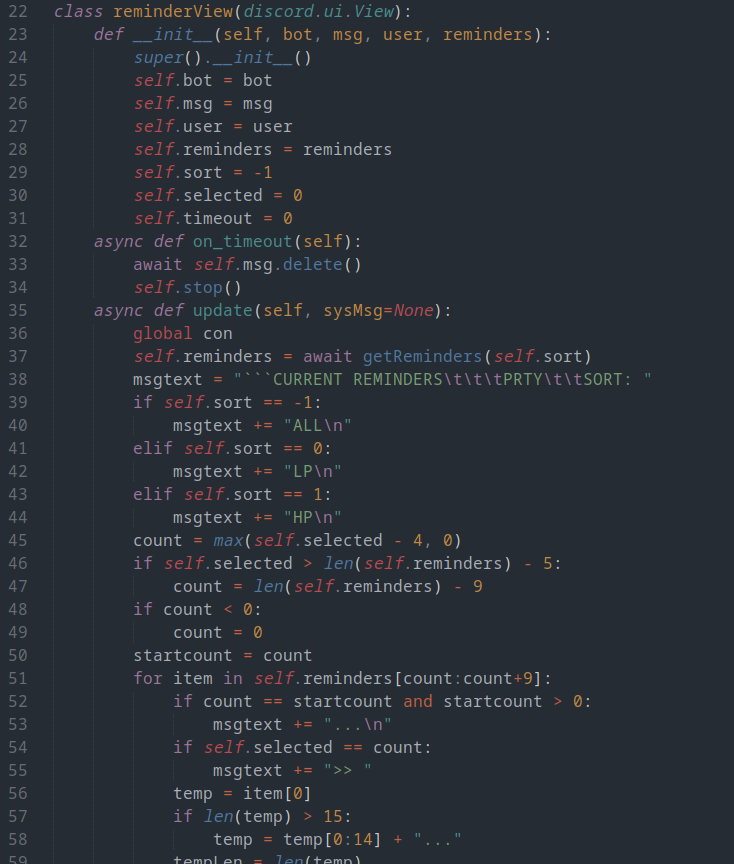
The reminderView class handles the UI for adding any new reminders. The user can use MiniBot to add or remove reminders of two different priorities
class messageView
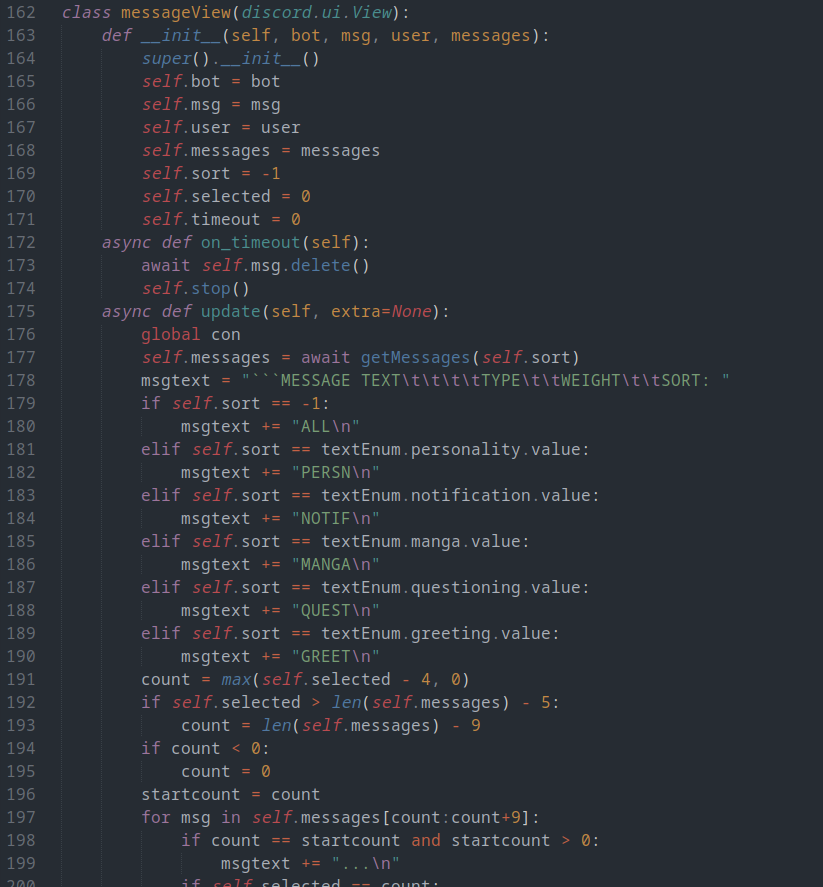
The messageView class is very similar to the reminderView class, as they are both menus for adding text to the database. In this menu, the user can add or remove message templates of varying types that are used in varying amounts.
class textEnum
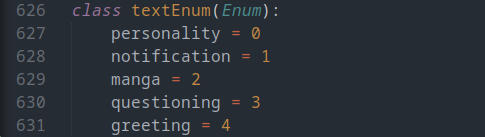
This is a very simple enum used mainly by messageView and constructMessage() to keep track of the varying types of messages/templates
notify_timer()
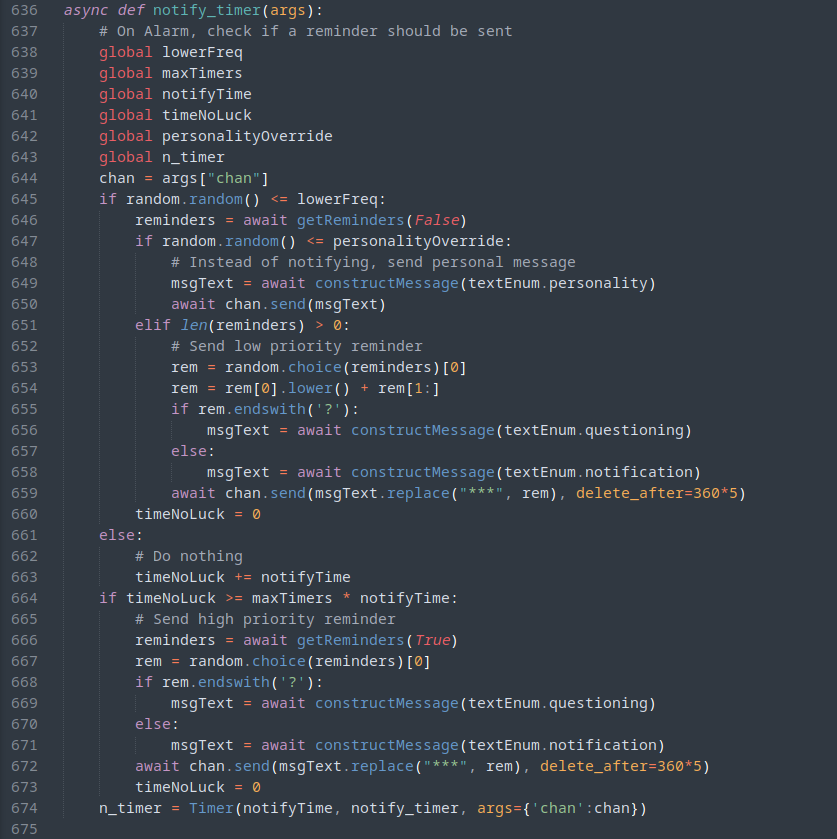
This function is run after the first timer set by MiniBot completes, where it completes its function and runs the next timer for itself. The timer uses most of the global variables from m_vars.py to randomly send either a lower priority reminder, a personality message, or nothing. If nothing has been sent for too long, MiniBot will send a higher priority reminder.
manga_timer()
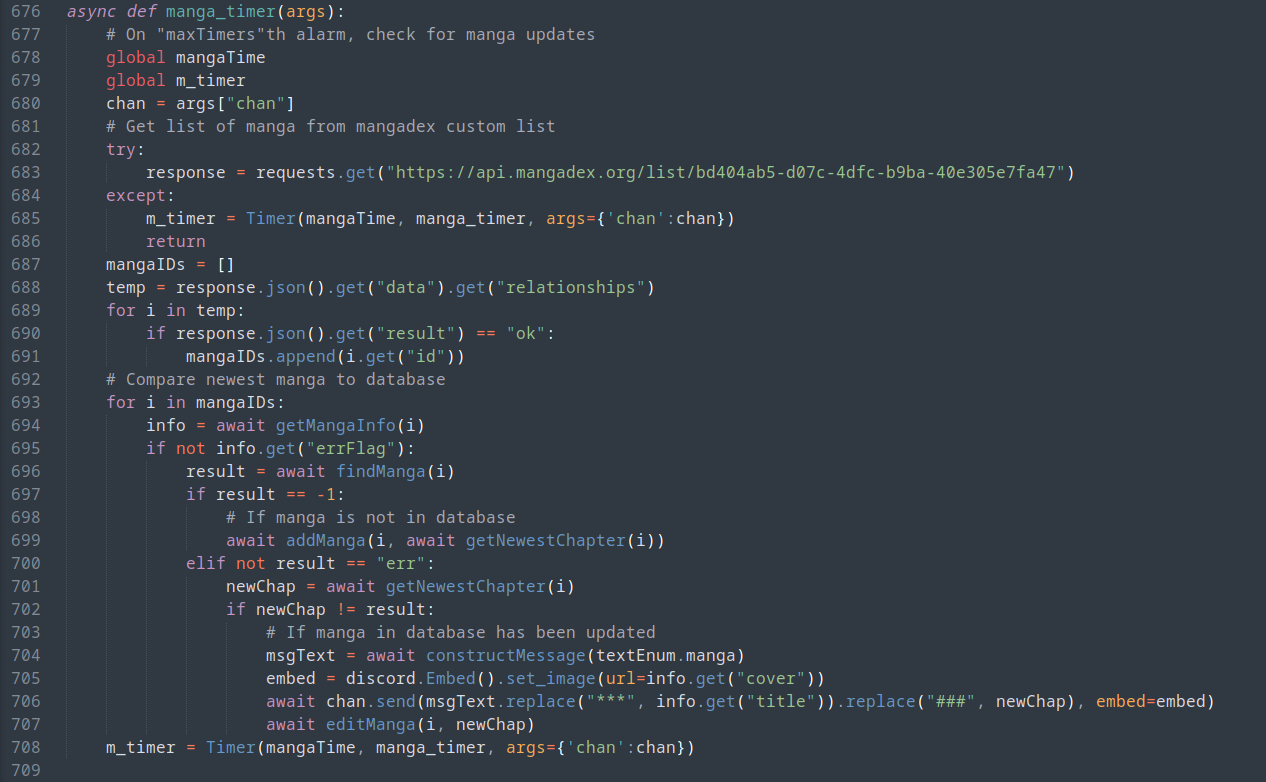
This function works similarly to notify_timer(), but instead of sending reminders, this timer checks whether any manga in a specific MangaList on MangaDex has been updated. After comparing the list to the manga in its database, MiniBot sends a message to notify the user or removes the manga from its database if a manga has been updated or removed from the MangaList respectively.
getNewestChapter()
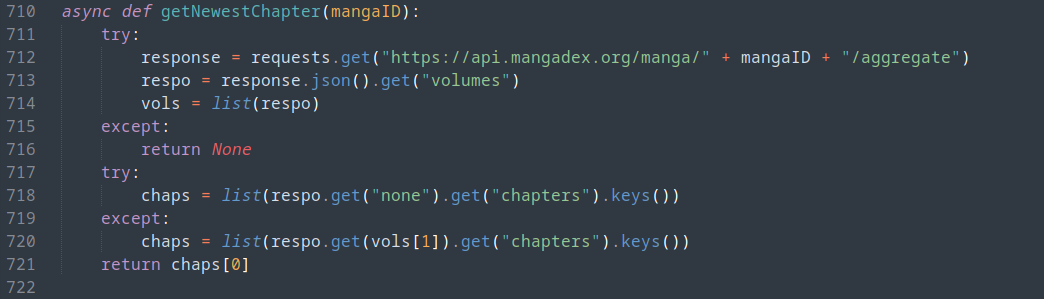
This function sends a request to the mangadex api, and returns the newest chapter number of the specified manga
getMangaInfo()
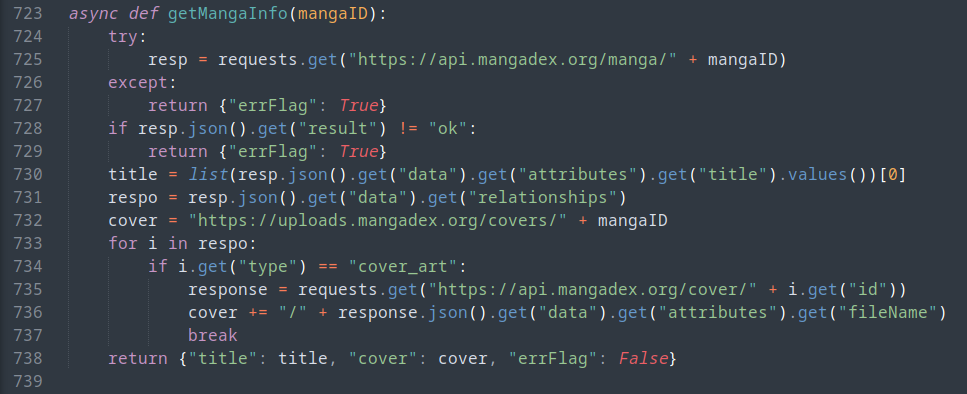
This function is called whenever manga_timer() finds a new chapter for a manga. MiniBot uses this function to get the title and the cover for the message it will send in `#manga-updates`
constructMessage()

This simple function is called by both timers, and uses getRandomMessage() to add any greeting to any message template to construct the message that will be sent to the user
checkConnection()
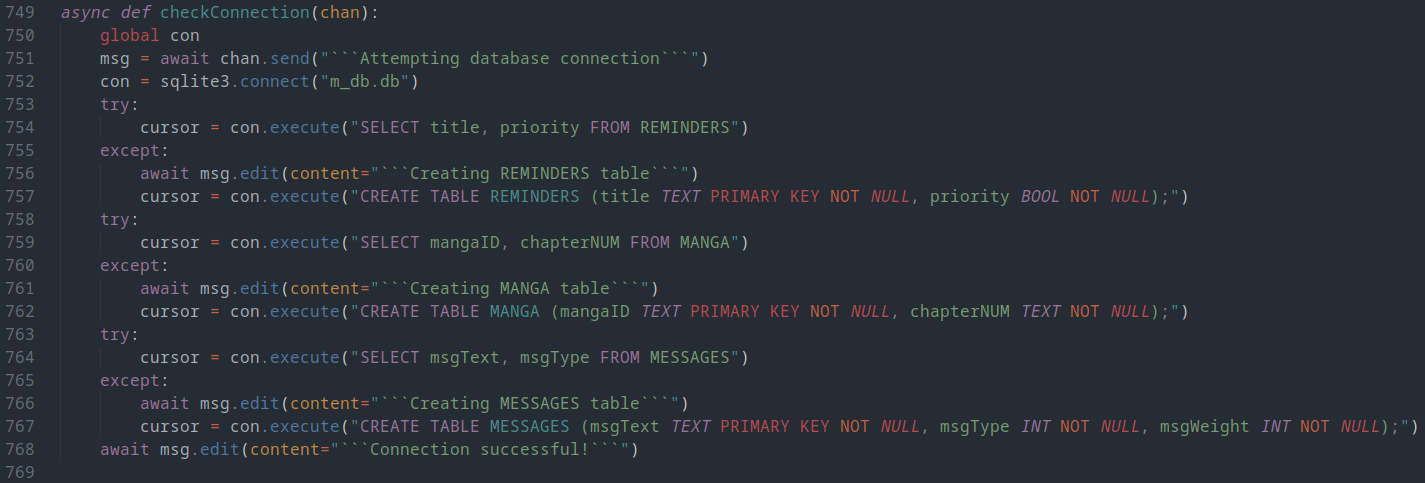
This function is run only once immediately once MiniBot is ready, and checks whether there is a m_db.db file. If there is, MiniBot checks whether all of the necessary tables are built and correct, and builds them if they are not. Then, MiniBot sets the connection to a global variable to be used by any function.
add/deleteReminder() get/countReminders()
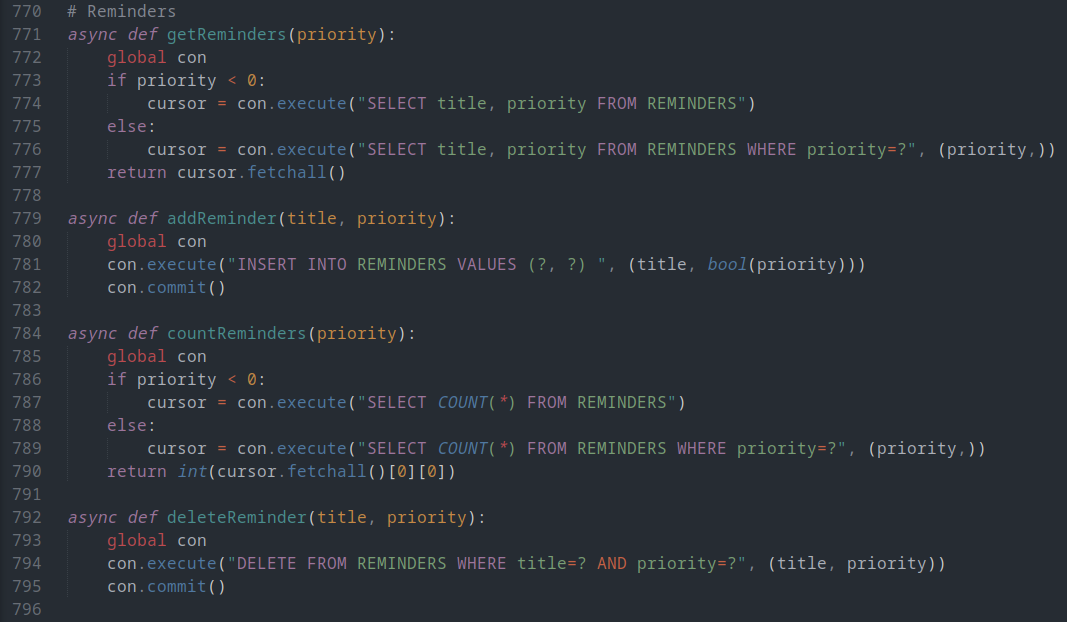
These four functions are extremely simple, as they add or remove reminders from the database, returns all reminders of a specific priority, or returns the amount of reminders in the database respectively
add/remove/find/edit/getManga()
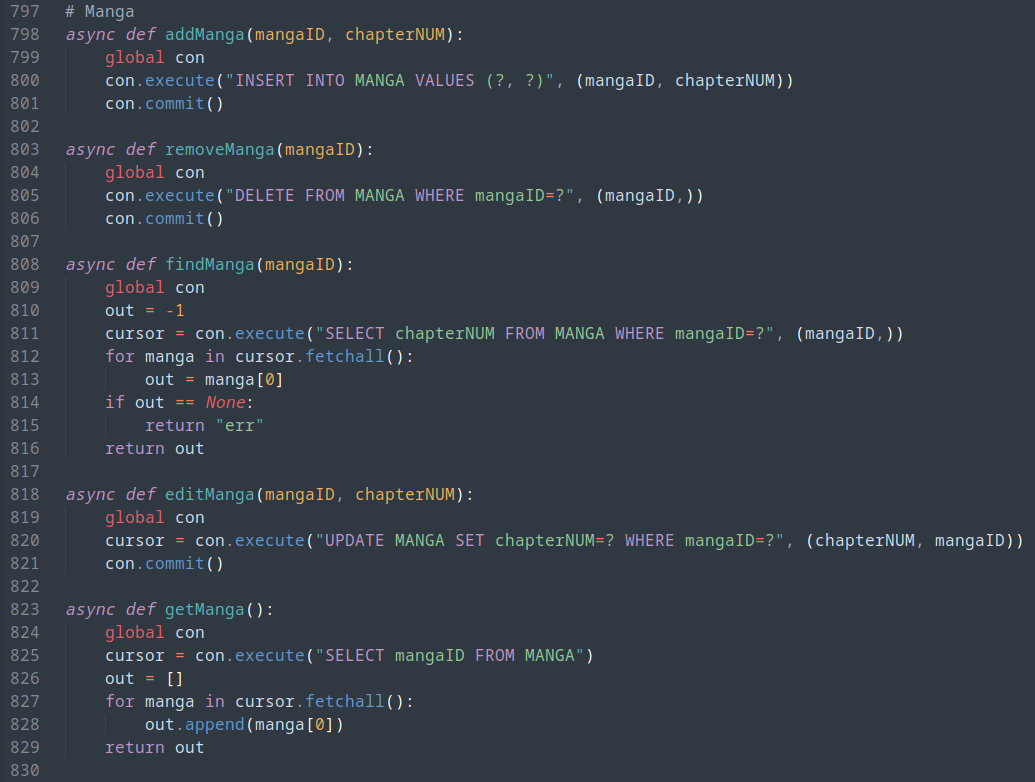
These functions are all called within manga_timer(), and are the functions used by MiniBot to maintain its database
getRandomMessage()

This message returns a random notification from MiniBot's database with a specific priority. It is used mainly in notify_timer() to get the notification to be send to the user
add/deleteMessage() / getMessages()
