
Home MiniBot
Post
Cancel

MiniBot

馃 MiniBot 馃攷

GitHub Project Logs

Feb 2022 -

Overview

MiniBot was born out of a purpose. That purpose is to help me remember to do all of the little things I need to do in order to keep my life together. Basically, I needed something to help me remember to take out the trash, wash the dishes, work on important upcoming work, call/message people, etc. Basically, I needed something to help me deal with my poo brain.
So, I started working on MiniBot, which is powered mainly by Discord's API and the Discord.py library. The bot runs continuously on the same RPi as RotomBot , and is a sort of spiritual successor as a lot of what I learned while coding RotomBot went into MiniBot.

Project Purpose

This project is not much new, but one thing I've learned through working on MiniBot is writing timers in Python, that run commands after a certain amount of time.
Although I'm relatively comfortable going into this project, maintaining, upgrading, and integrating MiniBot into future projects is something that will be a part of my workload for a long time.

Pictures of the Project

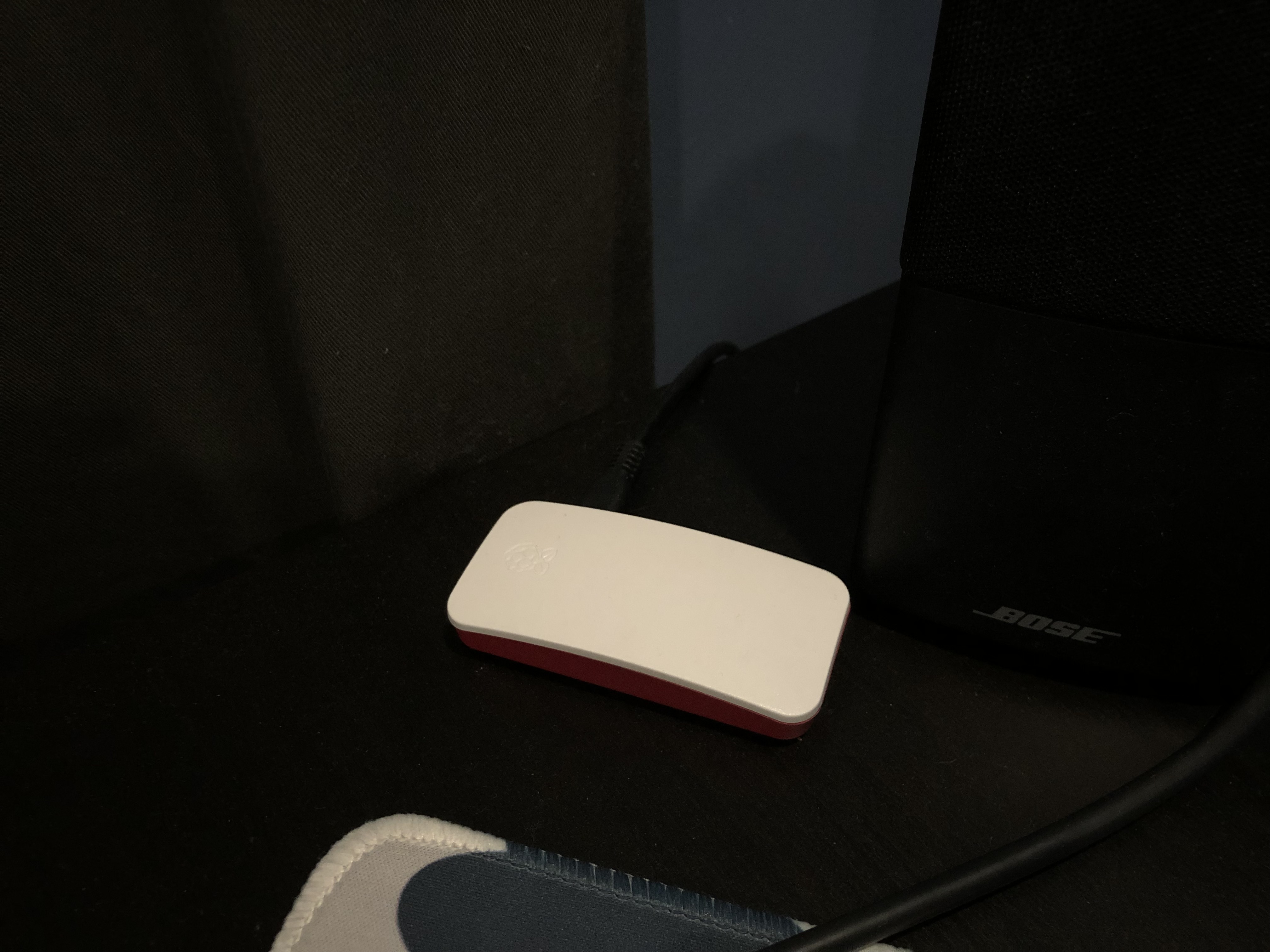
The RPi that runs MiniBot
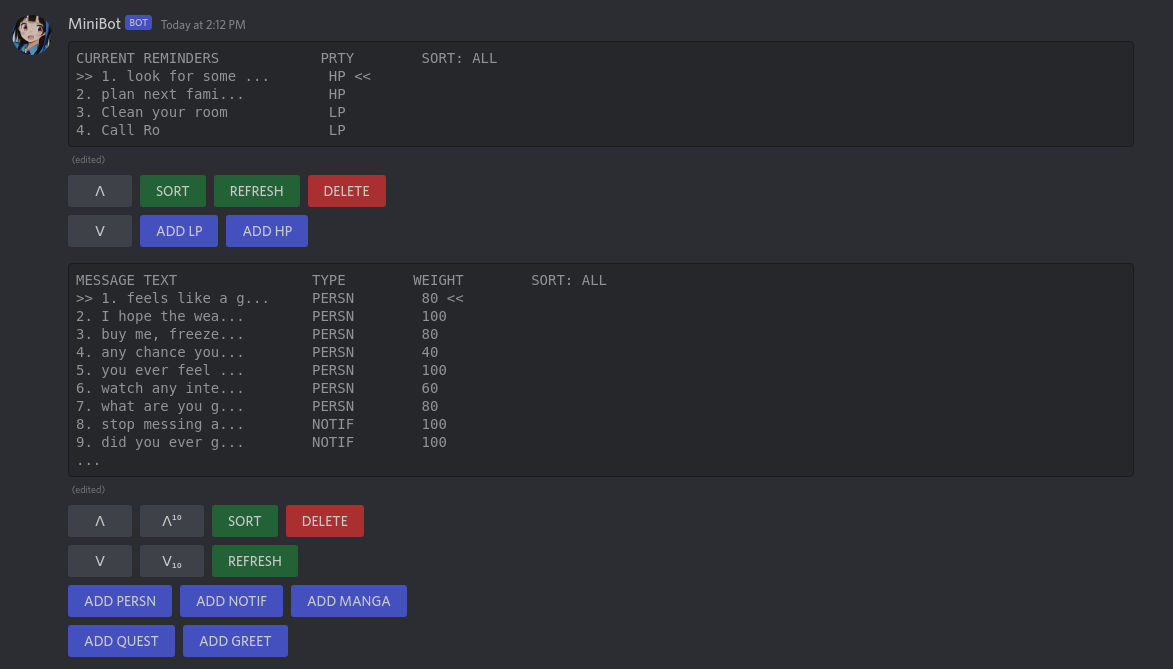
The UI elements for MiniBot
File Overview

minibot.py

This is the file run to start the bot, and hosts the two commands that run on bot startup. When the bot is first started, it greets the user in the `#general` channel, connects to MiniBot's database, and sends the two menu views in the `#menu` channel. The two commands declared in this file call the same menus already sent.

m_functions - The real meat of MiniBot that holds most of its functions

m_vars.py
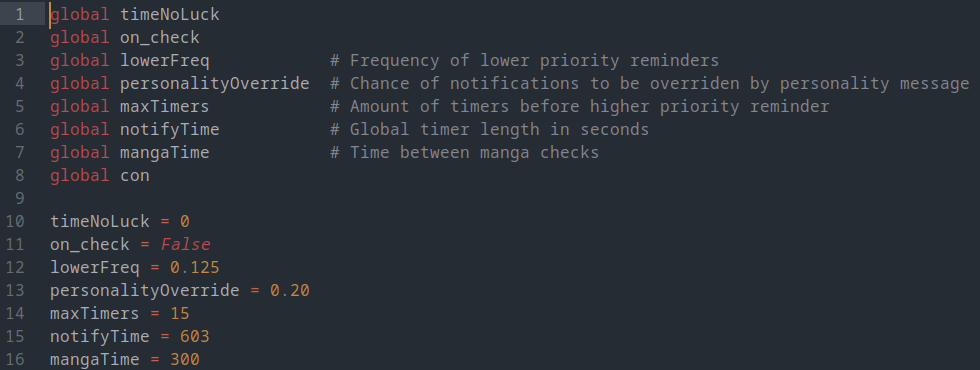
This tiny file holds all of MiniBot's global variables, and sets the default variables to their set value. Having this file separate is super handy for testing, as it lets me freely change the timers without worrying about pushing the wrong values to the GitHub branch.

Completed Objectives

Currently, MiniBot automatically sends two Discord Views that act as menus to add and remove custom reminders or message templates respectively. Also, MiniBot connects to MangaDex's API to send reminders to the user whenever a new chapter of a manga in a specific list of manga on their site is updated. These three functions are all integrated with each other, and message templates for either reminders or manga releases can be easily added.

Objectives Left Undone

All initial requirements/goals have been met, yet work on MiniBot is far from over. There are many future plans I have for MiniBot, and it's functions could also be integrated into some ideas I have for future projects. MiniBot's future, while unknown, is bright and full of possibilities.

Continuing or Running the Project

Running MiniBot is just as easy as running RotomBot. Simply make sure you have Python3.9+ installed, download Discord.py v2 from their github, and pip install python-dotenv. Once you do that, put your bot token and guild id into a new `.env` file, and you're all set! Don't worry about setting up a database, MiniBot does it automatically.
This post is licensed under CC BY 4.0 by the author.