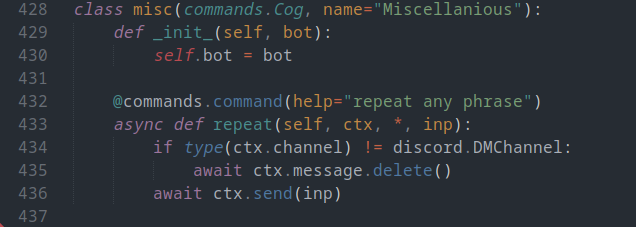
This file is the brain, body, and soul of RotomBot. Normally, I prefer to spread out by functions and main initializations, but in this case, most of RotomBot lives in the main file. All important global variables are also declared and initialized in this file, the most important being `TOKEN` and `guild_id`, which are the bot token and the main guild it's working in respectively.
Event Listeners
bot.event - on_ready()
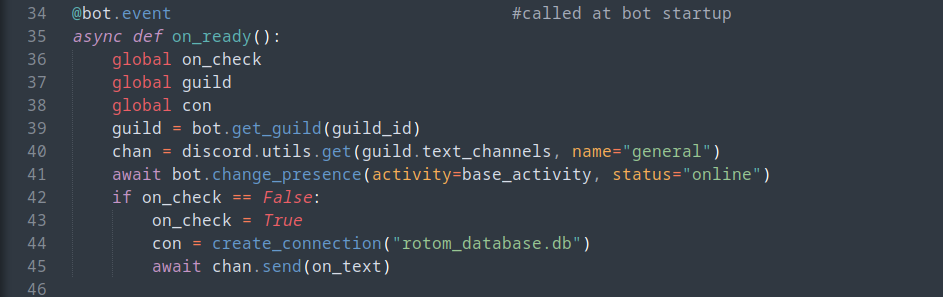
This function runs whenever the bot connects or reconnects to the discord api and "is ready" to begin functioning. First, the bot assigns the `guild` global variable, which will be frequently used by many commands. The bot then sets up the presence it will use on the Discord sidebar, and check whether it is being run for the first time. If it is, it creates the connection with the database and sets it to the global variable con, and sends a message in the `#general` channel of the Discord server.
bot.event - on_member_join()

This is an extremely simple event handler, where RotomBot will send an introductory message to any user joining the server for the first time.
bot.listen - register_reaction(): Role Assignment
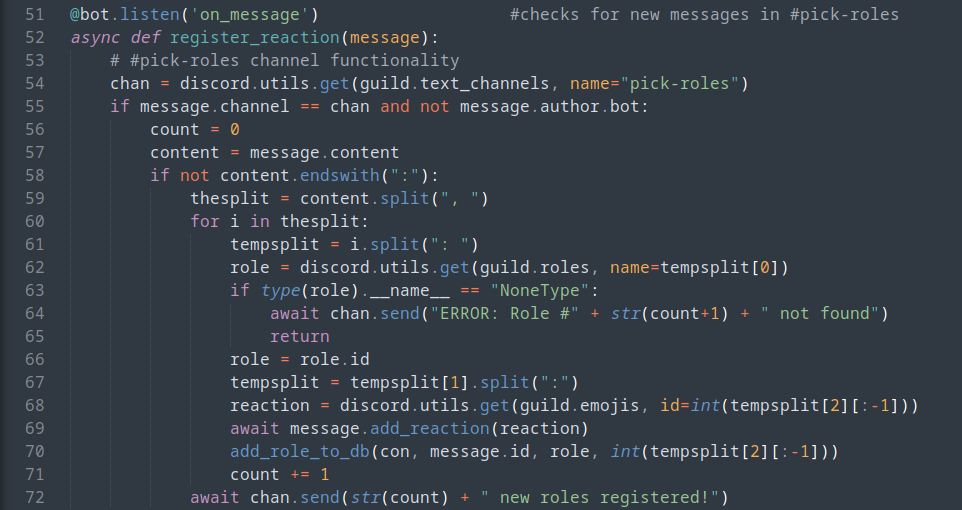
This function pulls double duty, as the first half of it pictured above is related to the role assignment functions of the bot, while the second half relates to the server suggestions function. Essentially, this half listens to every message send in the `#pick-roles` channel, and automatically reacts to that message with every emote in the message.
When it does so, it adds every emote and corresponding role with the message id to the database. This will allow future users to use the bot's reactions to assign themselves the available roles through RotomBot.
bot.listen - register_reaction(): Server Suggestions
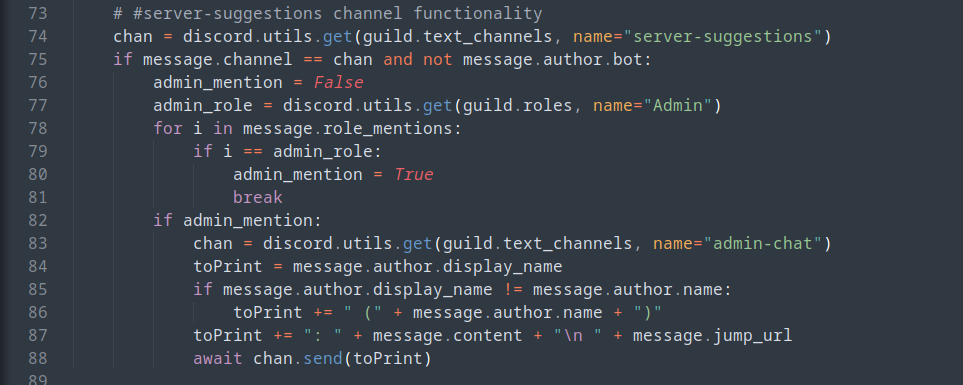
The other half of register_reaction() is somewhat of a misnomer, as it was written way after the role request function of the event listener. If a user sends a message in the `#server-suggestions` channel that mentions the `Admin` role, RotomBot will automatically resend that message in the `#admin-chat` channel to make sure the suggestion gets seen.
bot.listen - remove/edit_reactions()
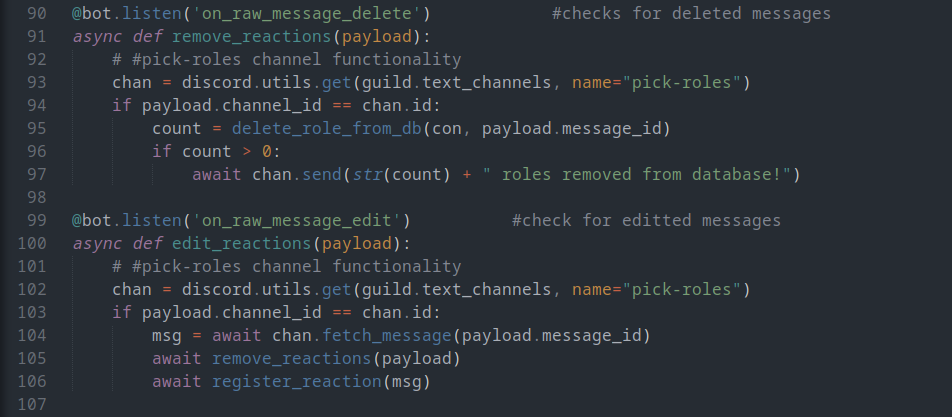
Both of these event listeners work in tandem to help admin's setting up or organizing the `#pick-roles` channel. remove_reactions() is called whenever a message is deleted from the channel, and removes the database entries related to it. edit_reactions is called whenever a message is editted, and ensures that all old database entries are removed, and the new editted entries are added to the database.
bot.listen - reaction_un/listener():
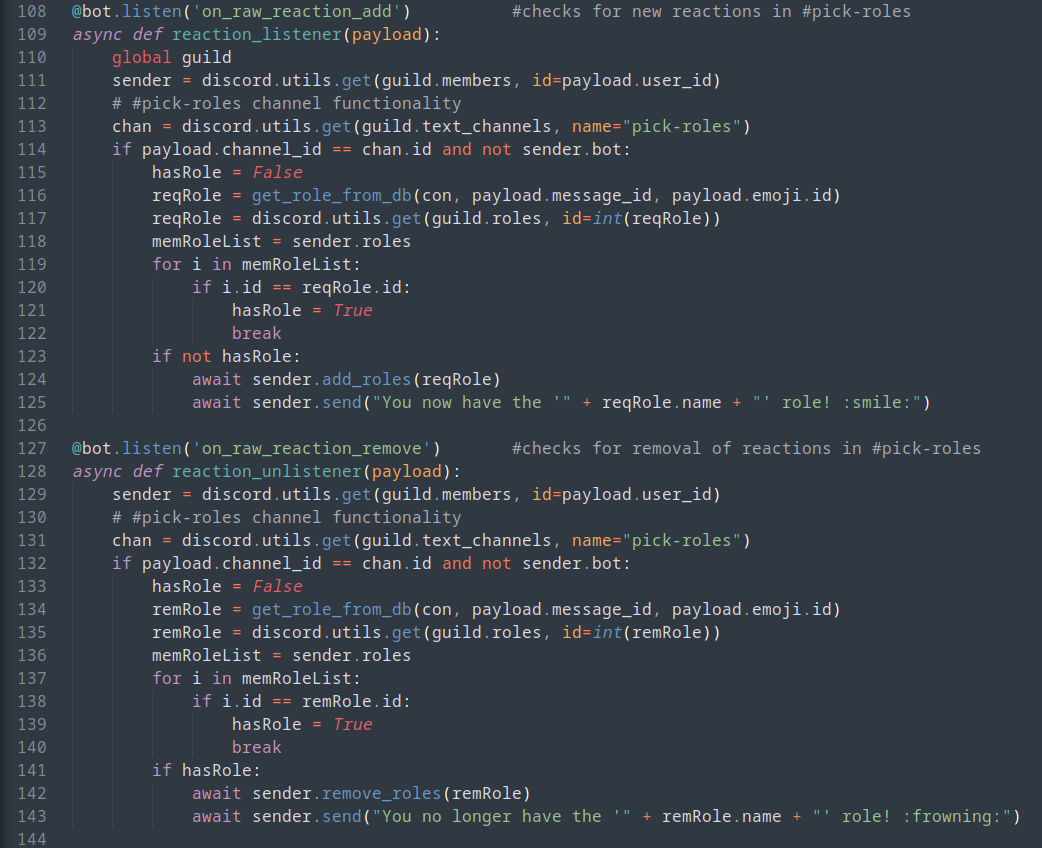
These two listeners are somewhat two sides of the same coin that are the basis of RotomBot's role assignment functionality. While reaction_listener() listens to any reactions in the `#pick-roles` channel and adds the corresponding role to the user, reaction_unlistener() does the opposite, and listens to any reaction removals, and removes the corresponding role from the user.
class dnd
roll()
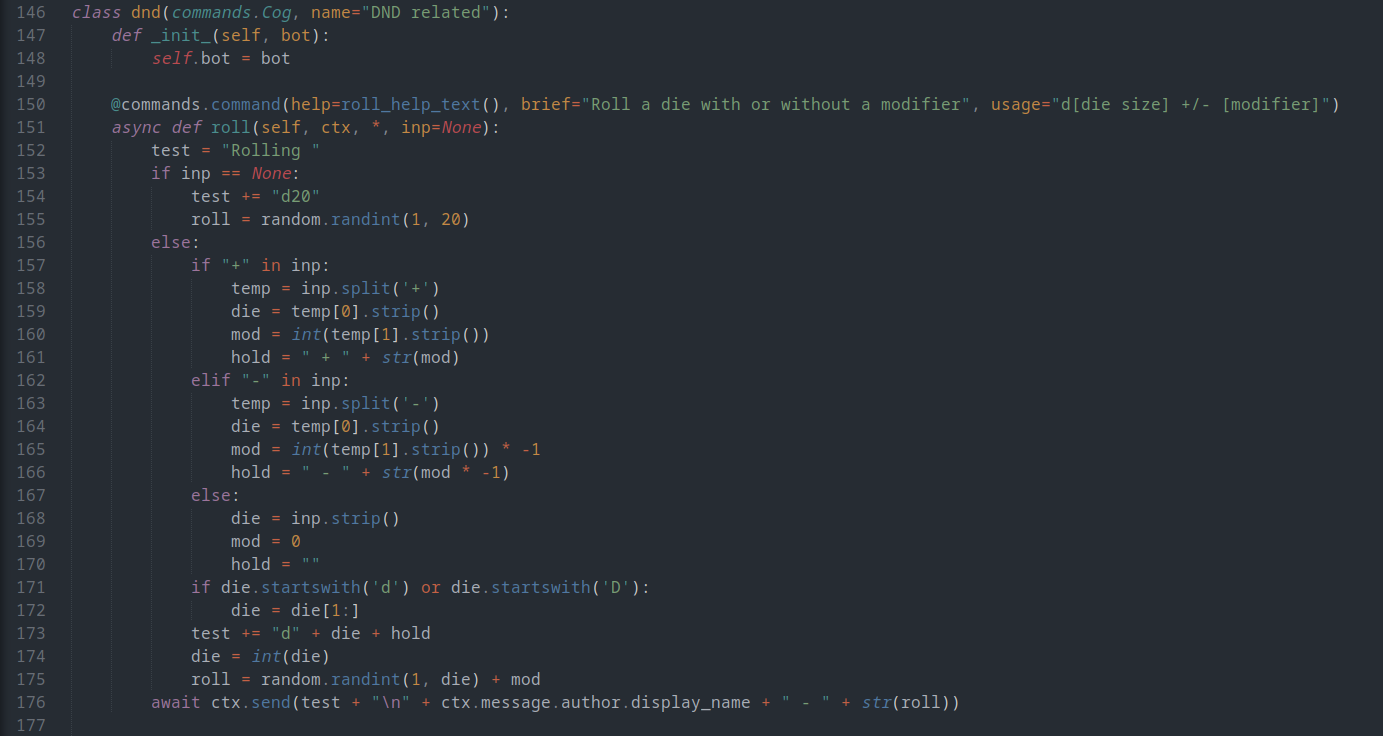
This command is RotomBot's dice roll function which allows any user to roll a die of any size and automatically add any roll modifier. Most of the function is based around string manipulation, as the only input is the command call.
ddc(): view()
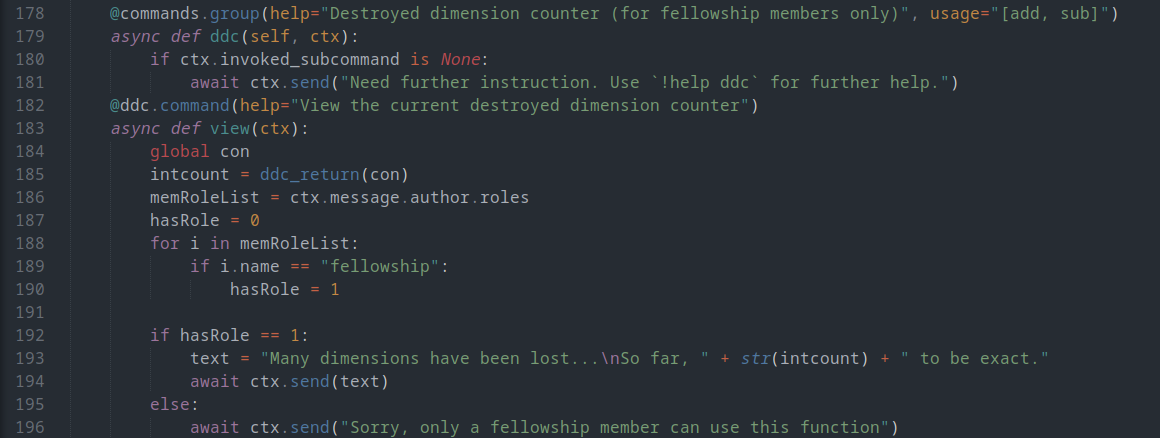
All of the Destroyed Dimension Counter (DDC) functions relate to an inside joke with my friends, but the basis of it is that it is a continuous tracker that we can easily add to or subtract from, or in this case, print out the current value.
ddc(): add(), sub()
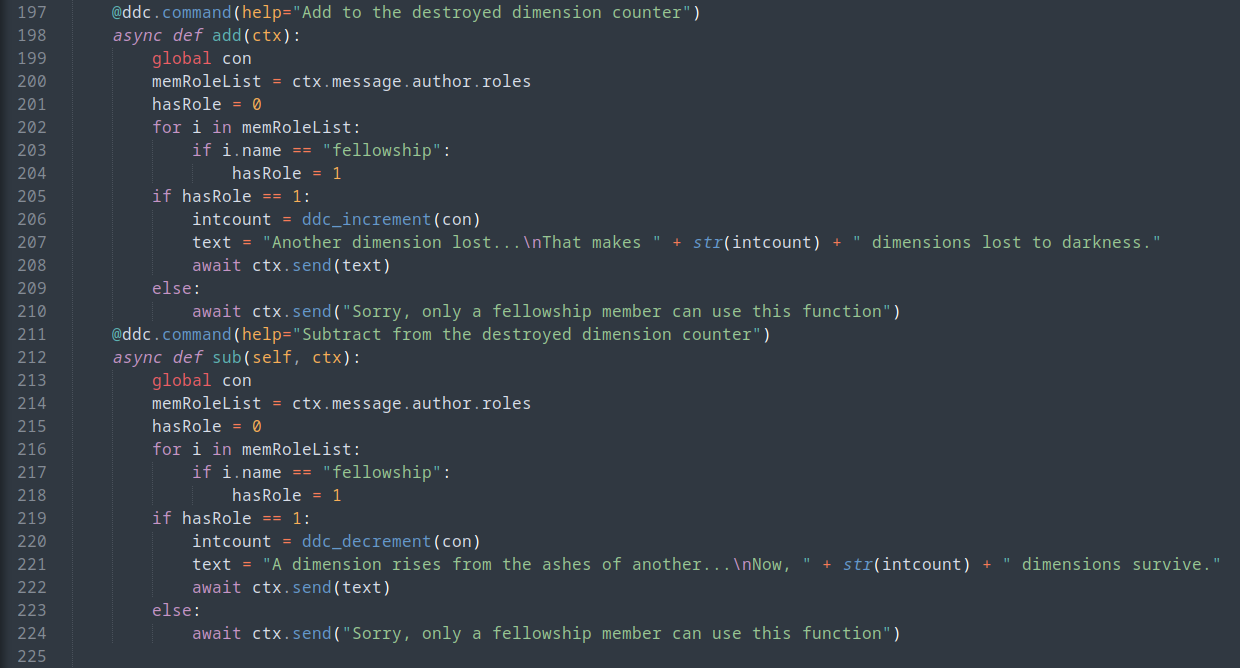
These are the two functions that add and subtract from the DDC, as long as the user has the `fellowship` role in the server.
init(): start()
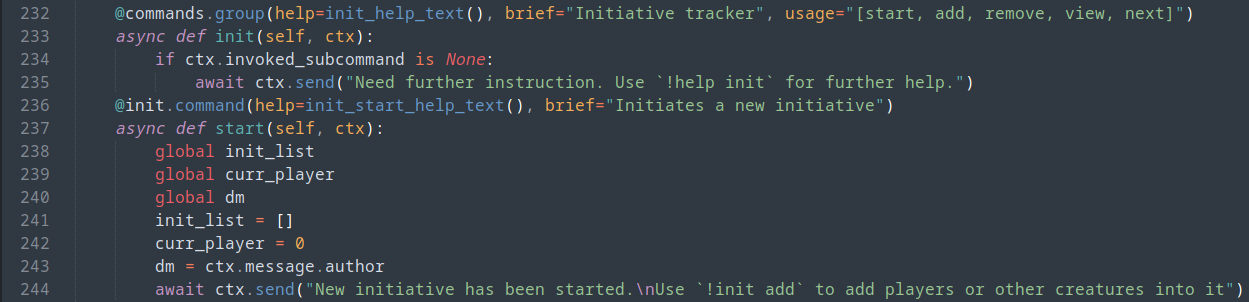
This command handles creating or resetting a virtual combat initiative order for Dungeons and Dragons. It's necessary for the DM to call this before any player attempts to add their character
init(): add(), remove()
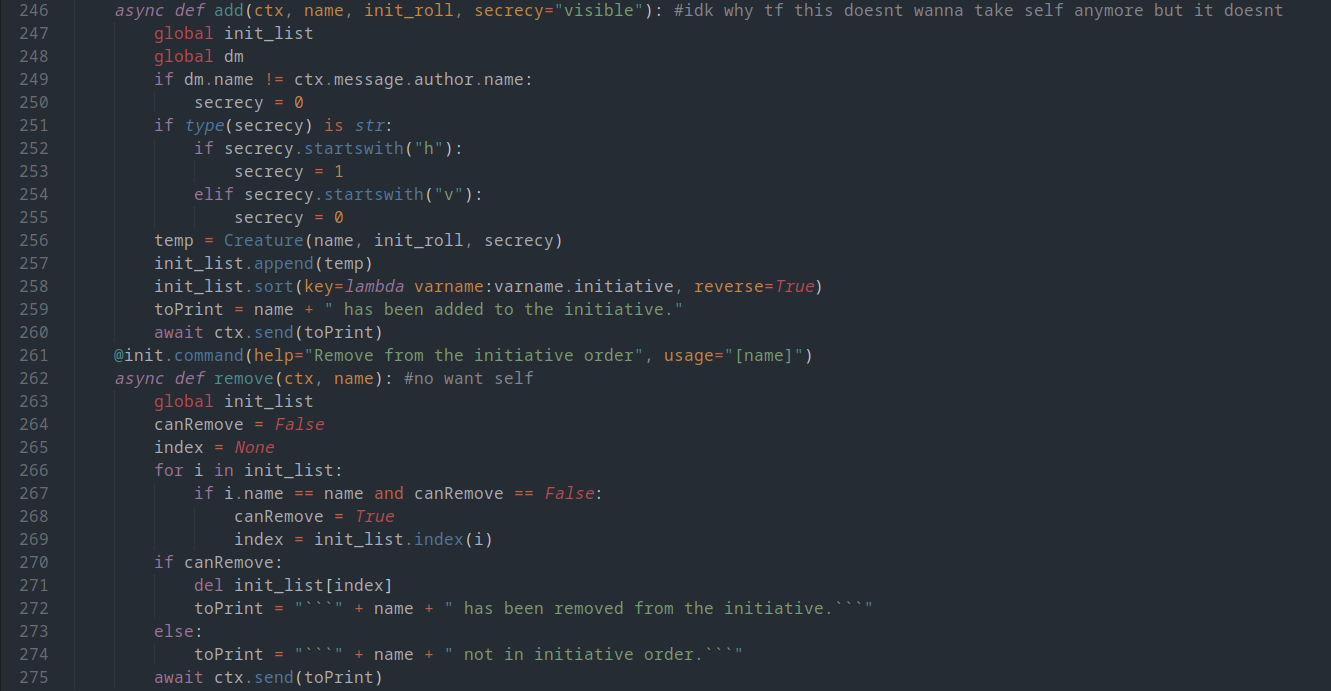
These commands are called by players and DMs who want to add characters to the virtual initiative. The character's name should be inputted, alongside their initiative roll (with DEX modifier as decimal for accuracy), and an optional boolian flag that handles hiding characters from the players.
init(): view(), next()
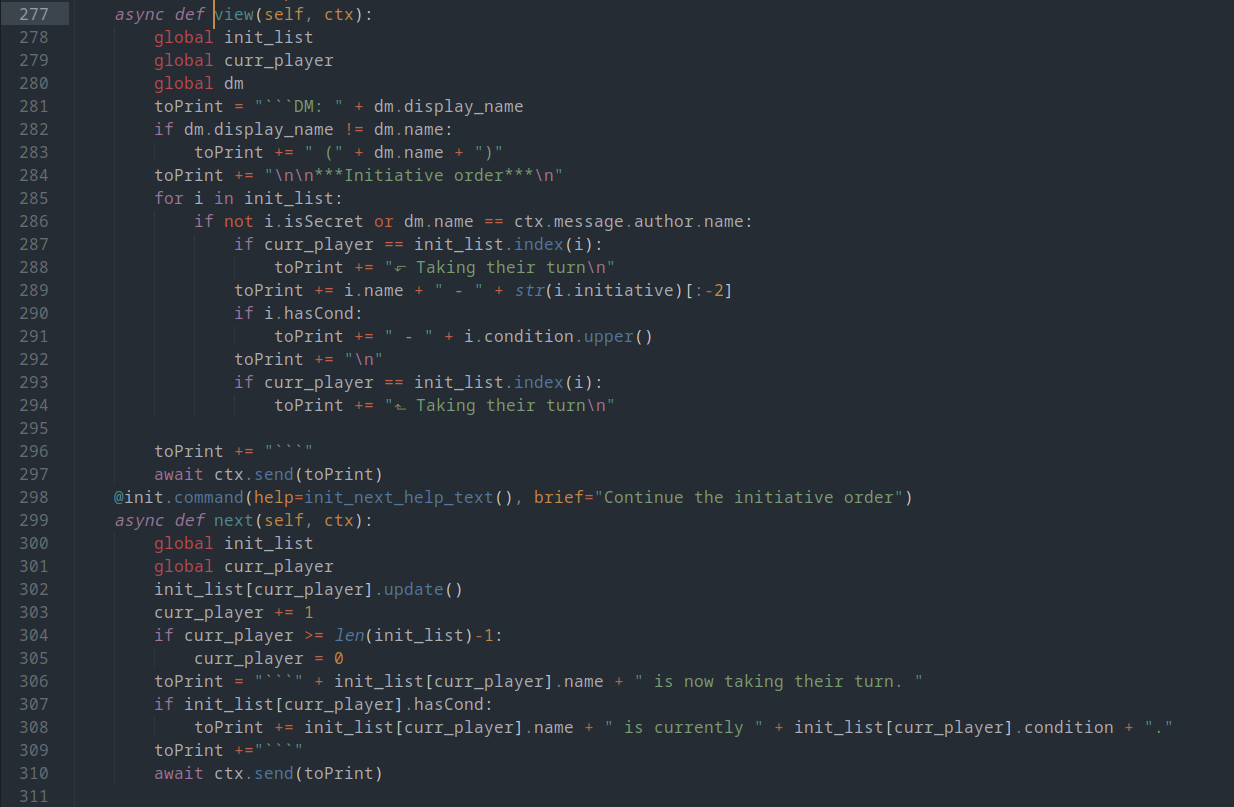
The view command prints out the entire virtual initiative order for players and/or DMs to view, and depending on the user, includes or excludes hidden characters. Continuing beyond the first character in the initiative tracker is handled by the next command, which is essential for the condition tracker to function.
condition(): add(), remove()
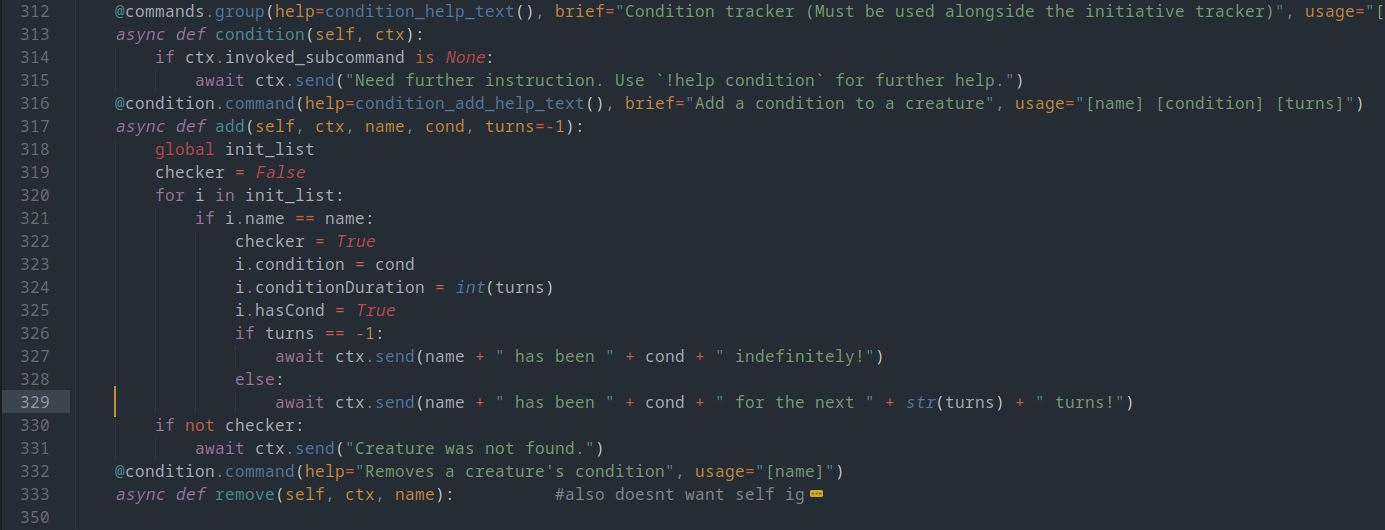
These commands add and remove any condition with a specified duration applied to a specific character. The condition tracker as a whole works in conjunction with the initiative tracker.
keepwatch()

This command sends out a message that helps DMs keep track of characters keeping watch in a camp scenarion.
inventory()
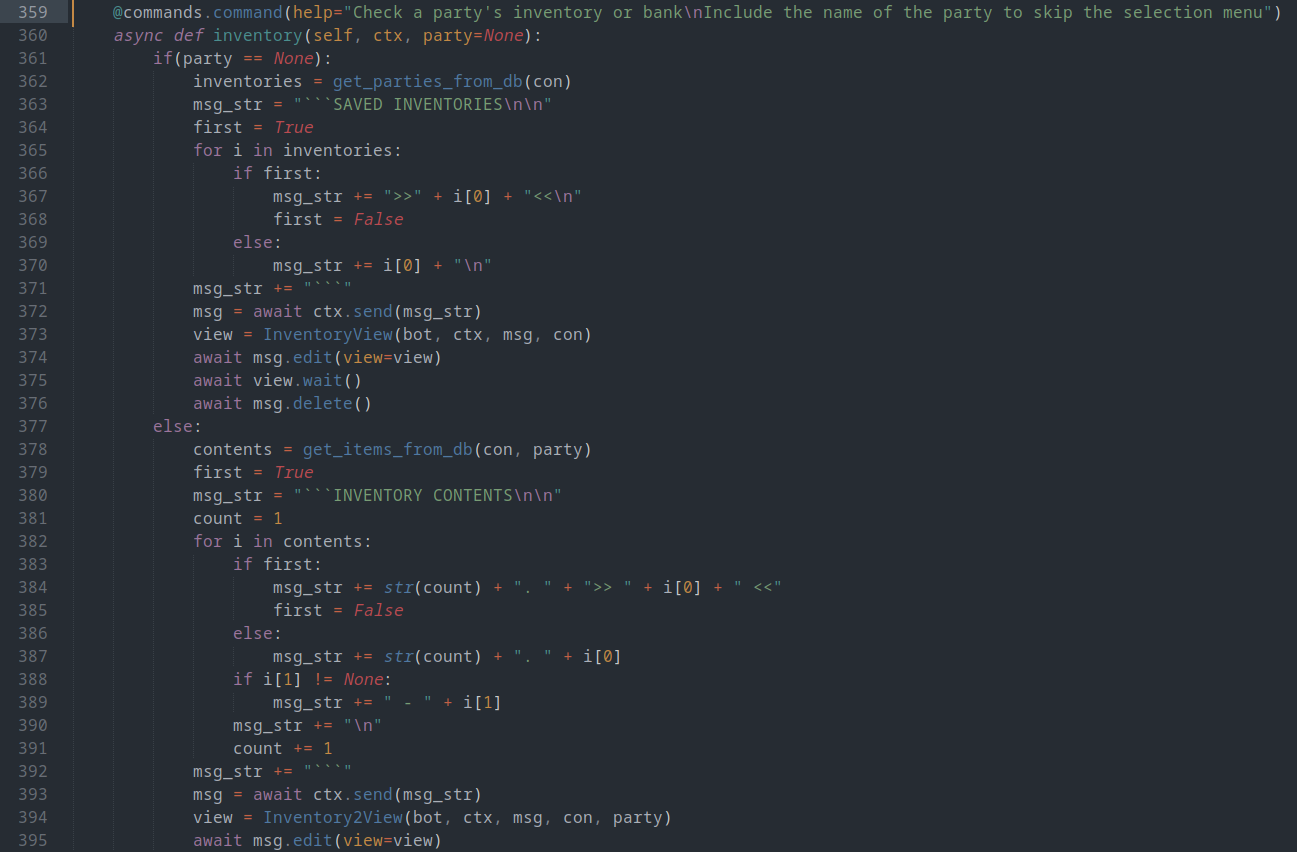
This command brings up the inventory menu, which the bot sends in a message. This menu can be used to keep track of character or party inventories, including the money separately from their stuff.
class server
changelog()
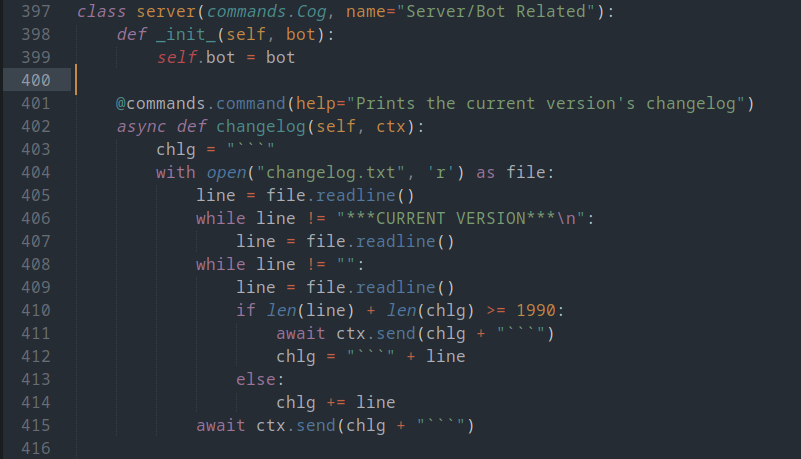
Simply this command sends a message in the server containing either the entire changelog for the bot, or just for the most recent update.
shutdown()
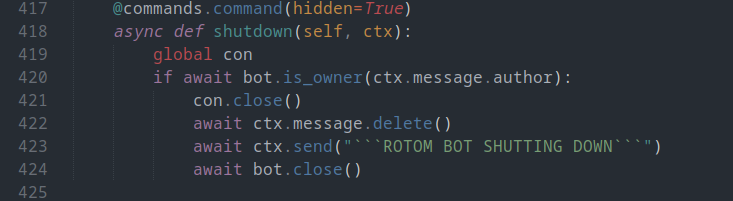
This command completely shuts down RotomBot, but can only be called by me, its one true master >:)
class misc
repeat()